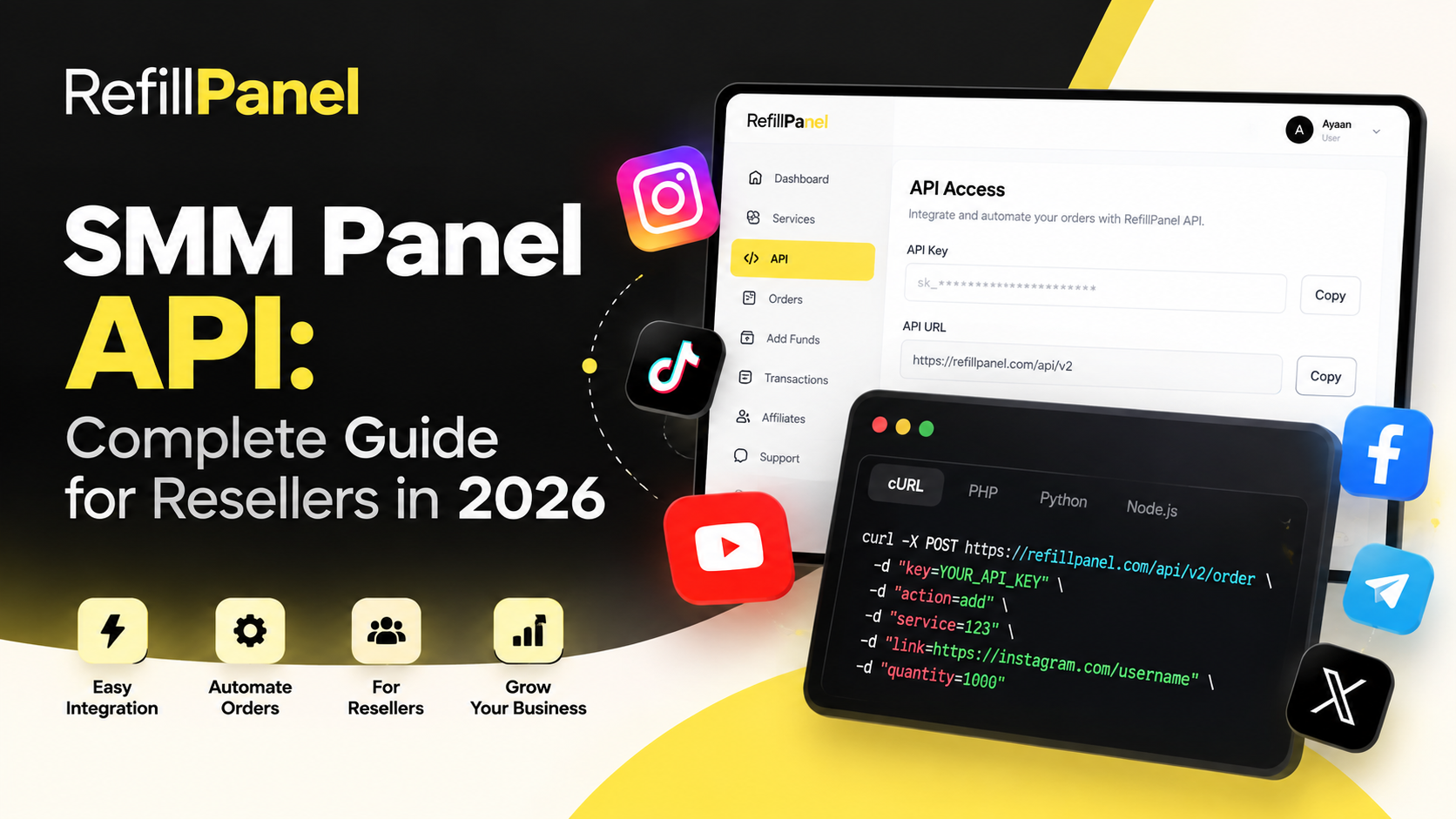
SMM Panel API: Complete Guide for Resellers in 2026
An SMM Panel API allows websites, applications and reseller platforms to communicate with an SMM panel automatically. Instead of manually placing every order through a dashboard, an API can be used to send orders, check balances and retrieve service information programmatically.
For agencies and social media marketing resellers, API integration can make order management more efficient and reduce repetitive manual work.
It is a programming interface that allows another application or website to communicate with an SMM panel using predefined API requests and responses.
What Is an SMM Panel API?
An SMM panel API is a connection between your application and an SMM service platform. The API typically allows software to request information or perform actions such as retrieving available services, checking account balance and submitting orders.
The exact API features depend on the provider. Some platforms may provide endpoints for orders, services, order status, balance, refills and cancellations.
Why Do Resellers Use SMM APIs?
Resellers often need to manage many customer orders. An API can connect their own website or application with an SMM panel so that orders can be processed automatically.
- Automate customer order processing.
- Reduce repetitive manual tasks.
- Synchronize service information.
- Check order status programmatically.
- Manage multiple orders from a custom website.
- Build a customized reseller experience.
How an SMM API Works
Most SMM APIs use HTTP requests to communicate between your website and the service provider. Your application sends a request containing the required parameters, and the API returns a response containing the requested information or the result of the operation.
A typical workflow looks like this:
- Your customer places an order on your website.
- Your website validates the order information.
- Your server sends an API request to the provider.
- The provider processes the request.
- Your application receives the API response.
- Your website displays the order status to the customer.
Common SMM API Functions
1. Services
A services endpoint can provide information about available services, including service IDs, names, pricing, minimum quantities and maximum quantities.
2. New Orders
An order endpoint allows your application to submit a new service order using the parameters required by the provider.
3. Order Status
A status endpoint can allow your website to retrieve the current state of an order, such as pending, processing, completed or cancelled.
4. Balance
A balance endpoint can allow your application to check the available account balance without manually opening the provider dashboard.
5. Refills
Some providers offer refill functionality through their API. Availability and requirements depend on the individual service.
Example API Request
API formats differ between providers, so always use the documentation supplied by your provider. A simplified example of an order request may look like this:
key=YOUR_API_KEY
action=add
service=123
link=https://example.com/content
quantity=1000
The actual endpoint, authentication method, service IDs and parameters should always come from your provider's official API documentation.
How to Integrate an SMM Panel API
API integration normally requires basic programming knowledge. You can use languages such as PHP, JavaScript, Python, Node.js or other server-side technologies depending on your website.
- Obtain API access from your provider.
- Read the provider's API documentation.
- Store your API credentials securely.
- Create server-side API requests.
- Handle successful and failed responses.
- Save order IDs and statuses in your database.
- Test the integration before accepting live customer orders.
Keep Your API Key Secure
Your API key should be treated like a password. Never expose it in public JavaScript, HTML source code, screenshots or client-side applications.
- Store credentials in environment variables or secure configuration.
- Do not publish API keys on GitHub or public repositories.
- Use HTTPS for API communication.
- Restrict access to your server configuration.
- Rotate credentials if they are accidentally exposed.
Benefits of API Automation for Resellers
API automation can make a reseller website easier to operate by connecting customer-facing functionality with backend order processing.
- Automation: Orders can be submitted without manual processing.
- Efficiency: Repetitive tasks can be reduced.
- Scalability: More orders can be managed through software.
- Customization: Resellers can build their own user experience.
- Monitoring: Order status can be synchronized automatically.
Things to Check Before Choosing an SMM API
Not every API offers the same functionality. Before integrating an API, check its documentation and service conditions carefully.
- Available API endpoints
- Authentication method
- Request and response format
- Rate limits
- Service availability
- Pricing structure
- Refill and cancellation support
- API uptime and reliability
- Technical documentation
- Customer support
Common SMM API Mistakes
Exposing API Credentials
Never place private API credentials directly in frontend code where customers can inspect them.
Ignoring API Errors
Your application should properly handle failed requests, invalid parameters, insufficient balance, rate limits and unavailable services.
Not Saving Provider Order IDs
Store the provider's order ID in your database so that your system can later retrieve the order status and reconcile customer orders.
No Status Synchronization
A reseller website should periodically synchronize order statuses when the provider supports status-checking functionality.
SMM API for Your Own Reseller Website
If you operate an SMM reseller website, an API can connect your customer dashboard to your chosen service provider. Customers can place orders on your website while your backend communicates with the provider.
This approach allows you to build your own branding, pricing structure, customer dashboard and ordering experience instead of sending customers directly to another panel.
Why Use RefillPanel?
RefillPanel provides social media marketing services for creators, businesses, agencies and resellers. The platform is designed to make service ordering and campaign management simple, with reseller-oriented tools and API support.
- Simple dashboard
- Social media marketing services
- Reseller-friendly features
- API support for eligible users
- Easy order management
- Support for multiple social platforms
Looking for an SMM Panel API?
Explore RefillPanel and learn more about available services and reseller solutions.
Get StartedFrequently Asked Questions
What is an SMM Panel API?
An SMM Panel API allows software applications and websites to communicate with an SMM panel automatically using API requests.
Can I use an SMM API for a reseller website?
Yes. An API can connect your reseller website with a service provider so that customer orders can be processed programmatically.
Do I need coding knowledge to integrate an SMM API?
Usually, some programming knowledge is required. Developers can integrate APIs using technologies such as PHP, JavaScript, Python or Node.js.
Is an SMM API key safe to share?
No. API keys should be kept private and stored securely on your server. Never expose them in frontend code or public repositories.
Can an API automatically check order status?
If the provider offers a status endpoint, your application can periodically request the status and update your own database automatically.
Final Thoughts
An SMM Panel API can help resellers automate order processing and build a customized social media marketing platform. The key to a reliable integration is secure API credential handling, proper error management, accurate order tracking and following the provider's API documentation.