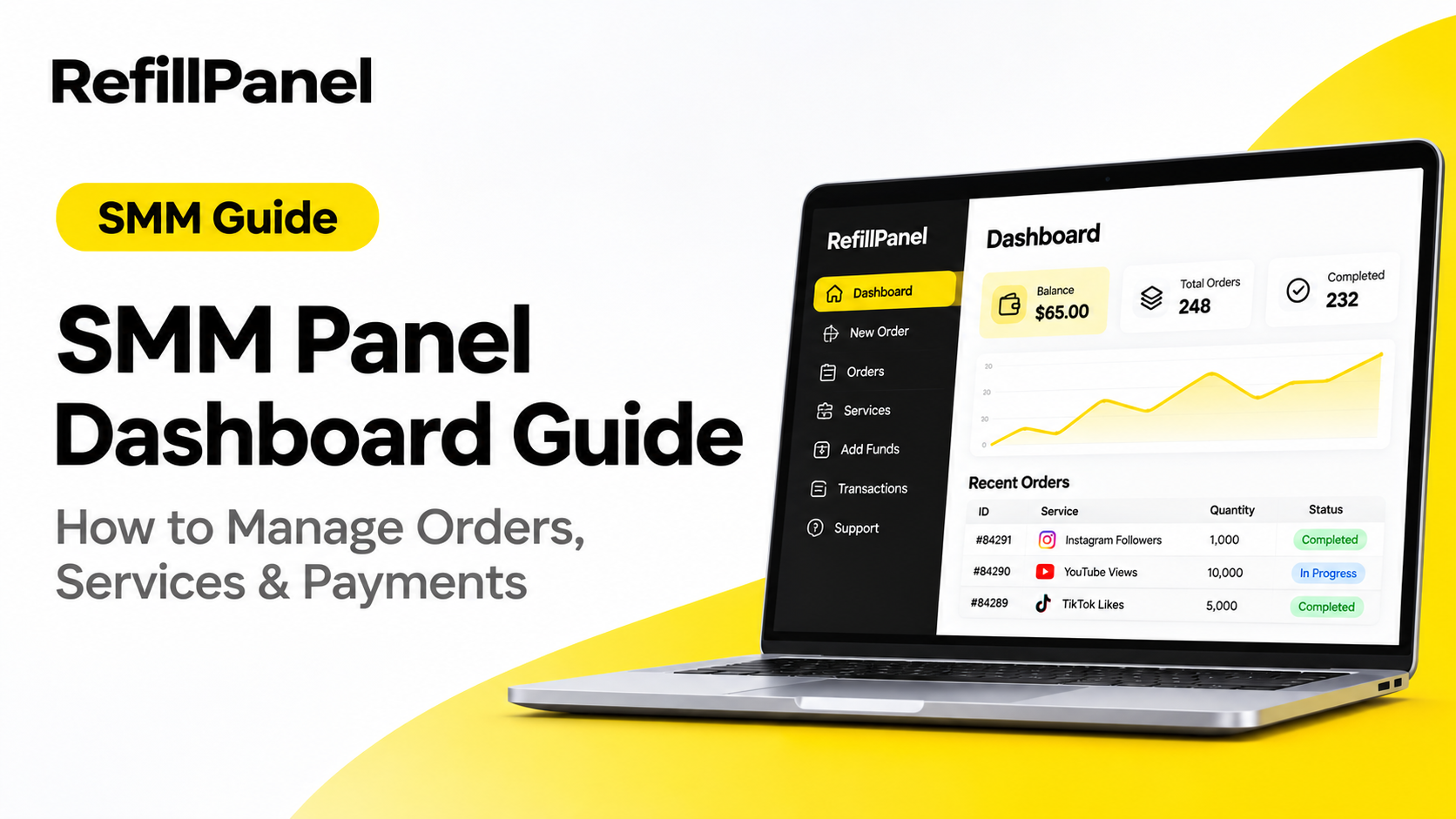
SMM Panel Dashboard Guide: How to Manage Orders, Services & Payments
An SMM panel dashboard is the main place where users manage social media marketing orders, explore services, monitor transactions and control their account balance. Understanding how the dashboard works can make it easier to organise orders and manage your social media marketing activities.
Whether you are a beginner, content creator, agency or reseller, knowing the different sections of an SMM panel can help you use the platform more efficiently. This guide explains the common dashboard features, how to place orders, track delivery and manage payments.
1. What Is an SMM Panel Dashboard?
An SMM panel dashboard is an online interface that allows users to access and manage social media marketing services from one account.
Instead of handling every order separately, users can use the dashboard to browse available services, submit order details, monitor progress and review account transactions.
Depending on the platform, a dashboard may include:
- Account overview and balance.
- New order section.
- Order history and tracking.
- Available social media services.
- Add funds and payment history.
- Support or ticket system.
- API access for eligible reseller accounts.
2. Understanding the Dashboard Sections
Most SMM panel dashboards organise their features into separate sections. The names and available options can vary between platforms.
Dashboard / Overview
The overview section provides a quick look at your account. Depending on the panel, it may display your current balance, order statistics and recent activity.
New Order
This section allows you to select a service, enter the required link or username, choose a quantity and submit an order.
Orders
The orders section helps you review previous and current orders. You can usually check order IDs, selected services, quantities and available status information.
Services
The services section displays available options, descriptions, prices, minimum and maximum quantities, and other service-specific conditions.
Add Funds
This section allows users to add money to their panel balance using the payment methods supported by the platform.
Transactions
The transaction history helps you review deposits, order charges and other account balance changes.
Support
If an order or payment needs attention, the support section may allow you to submit a ticket and communicate with the panel team.
3. How to Place a New SMM Order
Placing an order is one of the main activities inside an SMM panel. Before submitting an order, make sure you understand the service requirements.
- Log in: Access your SMM panel account.
- Choose a category: Find the relevant social media platform or service category.
- Select a service: Review the service description and conditions.
- Enter the link: Provide the correct profile, post or video link required by the service.
- Choose quantity: Enter an amount within the stated minimum and maximum limits.
- Review your order: Check the service, link, quantity and estimated cost.
- Submit: Place the order and save its order ID for tracking.
4. How to Track Your SMM Orders
After submitting an order, use the orders section to monitor its progress. Order statuses help you understand the current state of a request.
- Pending: The order is waiting to be processed.
- Processing: The order is undergoing processing.
- In progress: Delivery has started or is underway.
- Completed: The provider has marked the order as completed.
- Partial: Only part of the requested quantity was delivered.
- Failed: The order could not be completed.
- Canceled: The order has been canceled, subject to the panel's rules.
Status names and meanings may differ between providers. If an order remains pending or takes longer than expected, check the service description and contact support when necessary.
5. How to Manage Your SMM Panel Balance
Your panel balance is the amount available in your account for placing orders. Understanding how deposits and order charges work helps you manage your budget.
Common balance management practices include:
- Check your available balance before placing orders.
- Review the supported payment methods.
- Verify the deposit amount before completing a payment.
- Check your transaction history after adding funds.
- Keep records of payment references and receipts.
- Contact support if a payment is completed but the balance is not updated.
6. How to Compare SMM Services
Choosing a service based only on its price can lead to poor decisions. Always compare the complete service information before ordering.
Important details to review include:
- Price: Compare the cost for the required quantity.
- Start time: Review the estimated time before delivery begins.
- Speed: Understand the expected delivery rate.
- Refill: Check whether a refill option is available.
- Minimum and maximum: Confirm the permitted order quantity.
- Description: Read any special requirements or restrictions.
Service availability, delivery conditions and performance may change. Review the current listing instead of relying on old screenshots or previous order results.
7. Tips for Managing Multiple Orders
If you regularly purchase services or manage orders for customers, keeping your workflow organised becomes important.
- Save order IDs for easy reference.
- Maintain a record of customer requests.
- Check order statuses regularly without submitting duplicate orders.
- Keep payment and transaction records organised.
- Review refill eligibility before promising support to customers.
- Communicate realistic delivery expectations.
- Use the support system for unresolved order issues.
8. What Is an SMM Panel API?
An SMM panel API allows supported external applications or reseller platforms to communicate with a panel programmatically.
Depending on the API and the connected platform, common functions may include:
- Retrieving available services.
- Submitting orders.
- Checking order status.
- Checking account balance.
- Managing supported order operations.
API integration can reduce repetitive manual work for resellers who manage orders through their own websites or applications.
9. Common SMM Panel Dashboard Mistakes to Avoid
Small mistakes can create unnecessary order and payment problems. Here are some common issues to avoid:
- Submitting an incorrect profile or post link.
- Choosing a quantity outside the service limits.
- Placing duplicate orders for the same request.
- Ignoring service descriptions and refill conditions.
- Assuming every order will start immediately.
- Failing to save order IDs and payment references.
- Sharing account credentials or API keys.
- Promising customers guaranteed or permanent results.
10. How to Choose an SMM Panel for Your Business
If you are comparing SMM panels, consider more than the number of services displayed on the homepage. A useful platform should make it easy to understand service conditions and manage account activity.
Before choosing a panel, consider:
- Whether the dashboard is easy to navigate.
- Whether service descriptions are clear.
- Whether order tracking is available.
- Whether payment and transaction information is accessible.
- Whether support is available for order-related questions.
- Whether API integration meets your technical requirements.
- Whether the platform clearly explains its terms and policies.
Frequently Asked Questions
What is an SMM panel dashboard?
An SMM panel dashboard is an online account interface used to browse services, place orders, track progress and manage account transactions.
How do I place an order through an SMM panel?
Choose a service, enter the required link, select a quantity within the permitted limits, review the cost and submit the order.
How can I check my SMM order status?
Open the orders section of your panel and locate the relevant order using its order ID or available order history.
What does panel balance mean?
Panel balance is the available account credit that can be used to pay for eligible orders.
Can I manage multiple orders from one dashboard?
Yes. Most SMM panels provide an order history or management section where users can review multiple orders from one account.
What is an SMM panel API used for?
An SMM panel API allows compatible applications and reseller websites to access supported panel functions programmatically.
Is an SMM panel suitable for resellers?
An SMM panel may help resellers manage service selection, customer orders and account activity. Resellers should review the platform's terms, service conditions and API capabilities before starting.
Conclusion
An SMM panel dashboard brings important account features together in one place. By understanding how to navigate services, place orders, monitor statuses and manage payments, you can organise your social media marketing workflow more effectively.
Whether you are a beginner or an experienced reseller, take time to understand the dashboard and review service conditions before placing orders.
Explore RefillPanel
Discover social media marketing services, manage orders through an online dashboard and explore reseller-friendly tools with RefillPanel.
Get Started Today